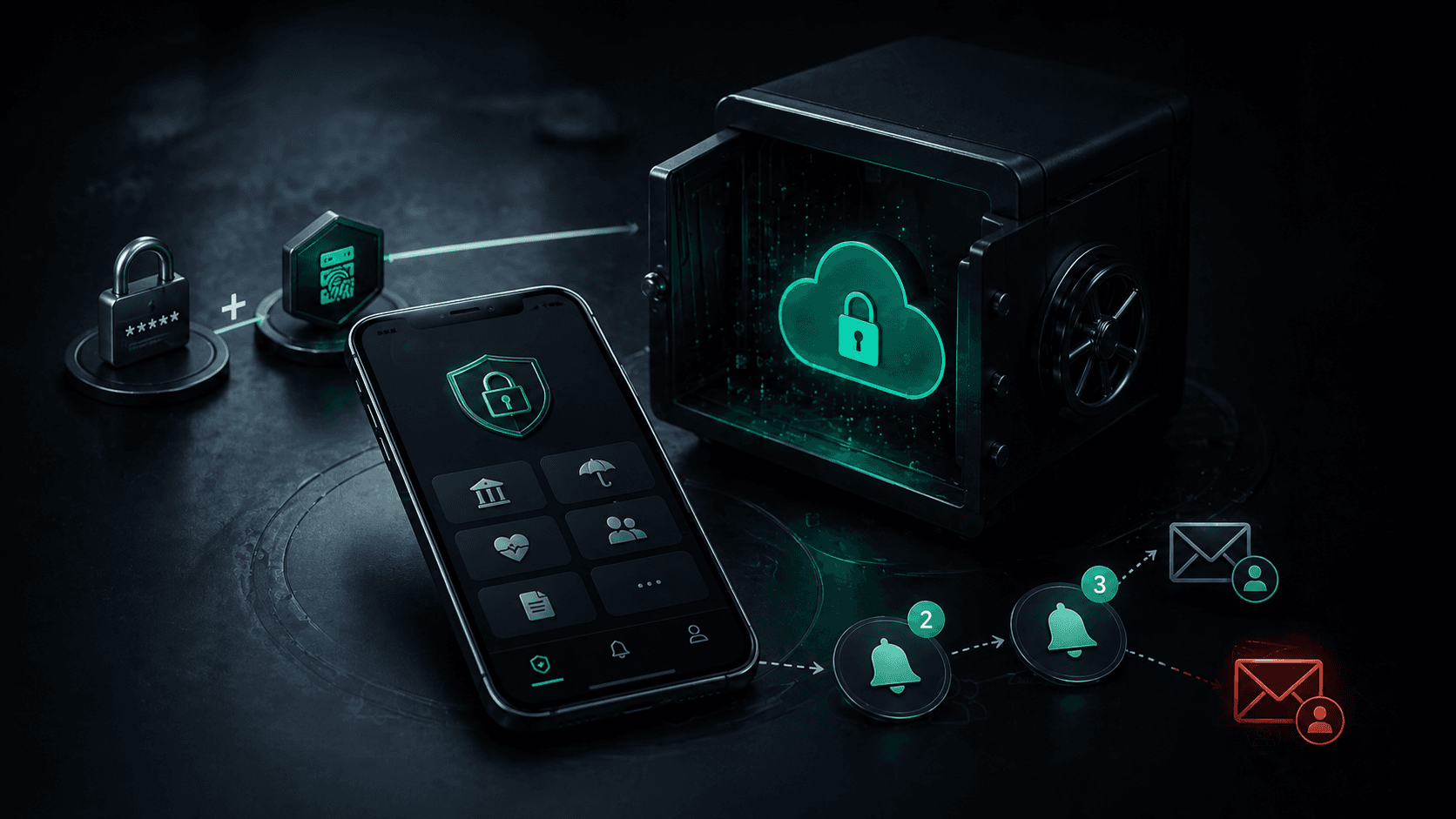
A digital safe with an emergency plan for the worst case scenario
What happens to your passwords, documents and important data if you suddenly disappear from the world? The client came with an idea for an app that solves this problem in a thoughtful and secure way. A digital safe with two-component encryption, integrated with Apple and Google cloud, with a unique notification system that can detect when something bad may have happened to the user – and automatically hand over access to designated loved ones. I was responsible for the entire mobile layer: React Native, encryption, cloud integrations and implementing screens from Figma.
- 2-keyencryptionuser password + server-side hash
- iOS + Androidplatformssingle codebase in React Native
- 3 alertstrigger thresholdno response = emergency protocol activated
- iCloud / GDrivecloud integrationsnative sync with Apple and Google ecosystems
Data no one will pass on after you are gone
Most of us store dozens of passwords, account numbers, document copies and other sensitive data – scattered across password managers, notes and emails. When someone suddenly disappears, their loved ones are left with no access to anything. Or – even worse – the data ends up in the wrong hands.
The client needed an app that not only stores data securely, but has a built-in mechanism for passing it on to designated people in a crisis – without involving a notary, a lawyer or any third party. The whole thing needed to work autonomously, be simple to use and provide the highest level of encryption.
What I built and how it works
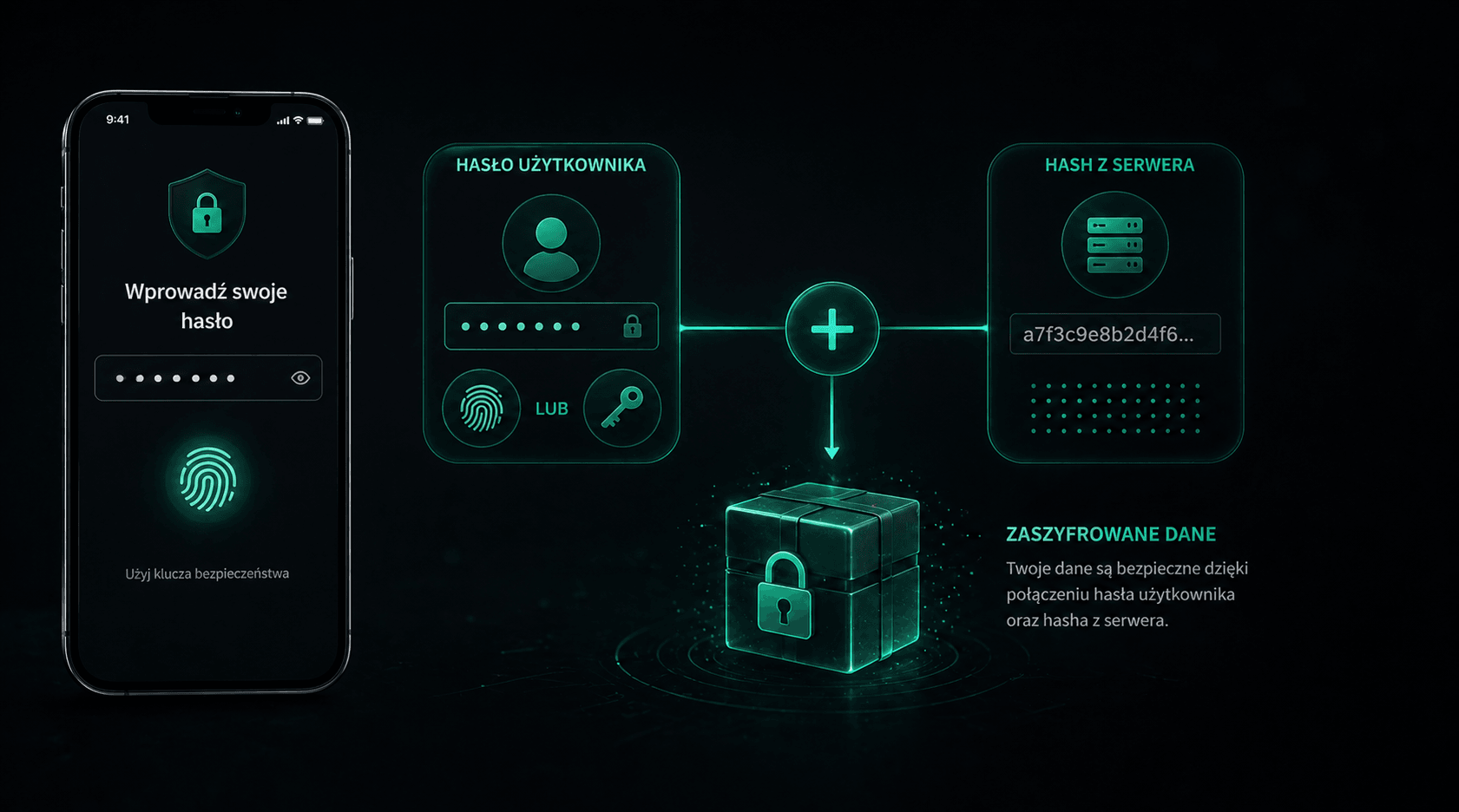
Two-component encryption
User data is encrypted using two independent elements: a password entered by the user and a hash generated on the server side. Neither component alone is sufficient to decrypt the data. Even in the event of a server breach – without the user's password, the data remains useless. I implemented this logic on the mobile app side, making sure that keys are never stored in a way that could compromise them.
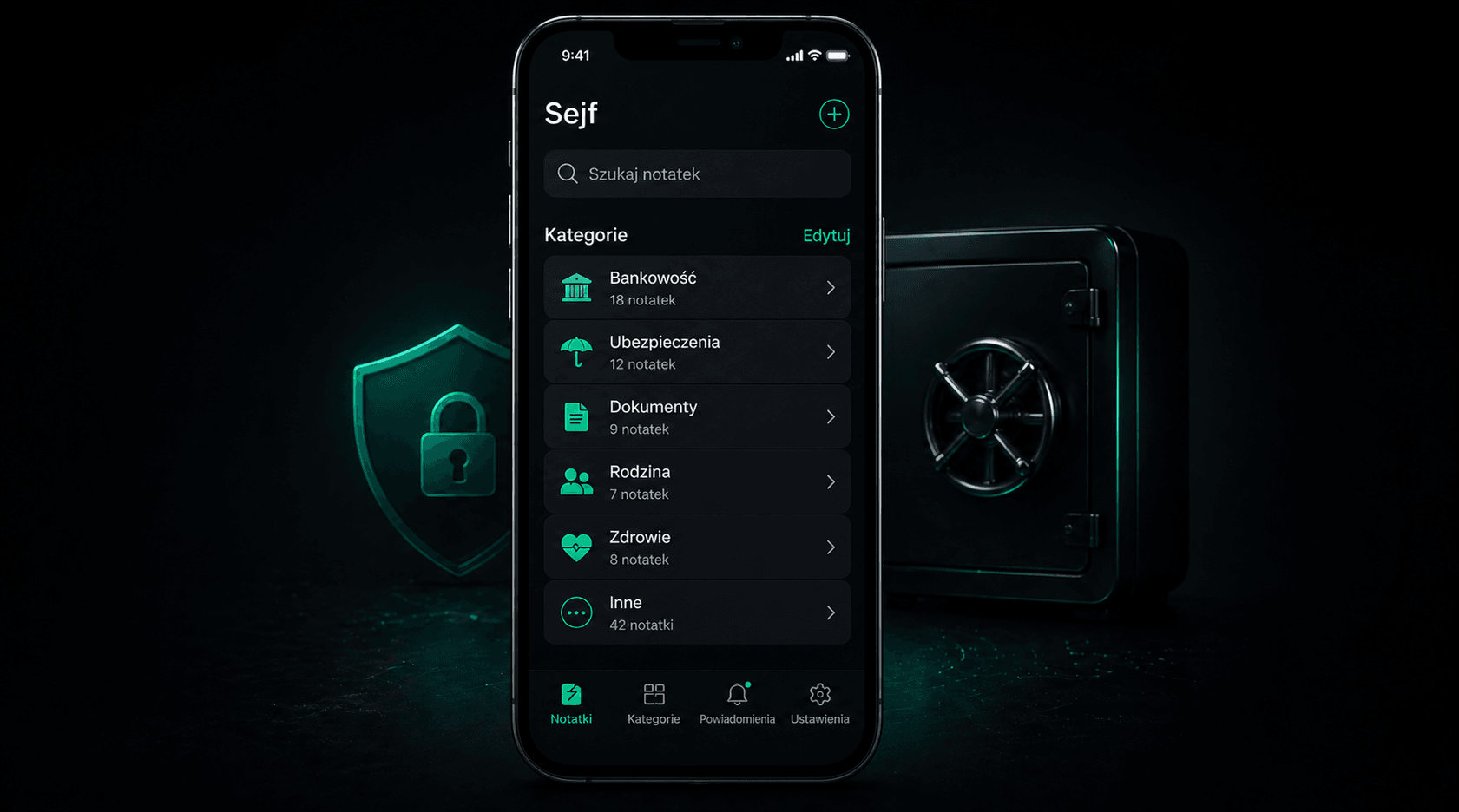
A safe with life categories
Notes in the app are organised into categories that correspond to real areas of life: bank passwords, insurance, documents, login credentials, instructions for loved ones and more. The user knows where to find specific information, and the whole structure is designed to be understandable not only to the owner, but also to the person who may one day unlock the safe.
Push notification system as a life signal
Every few days or weeks – depending on settings – the app sends a push notification with a simple question: is everything OK? One tap confirms that the user is alive and well. If there is no response to three consecutive notifications, the app moves to the next stage of the emergency protocol.
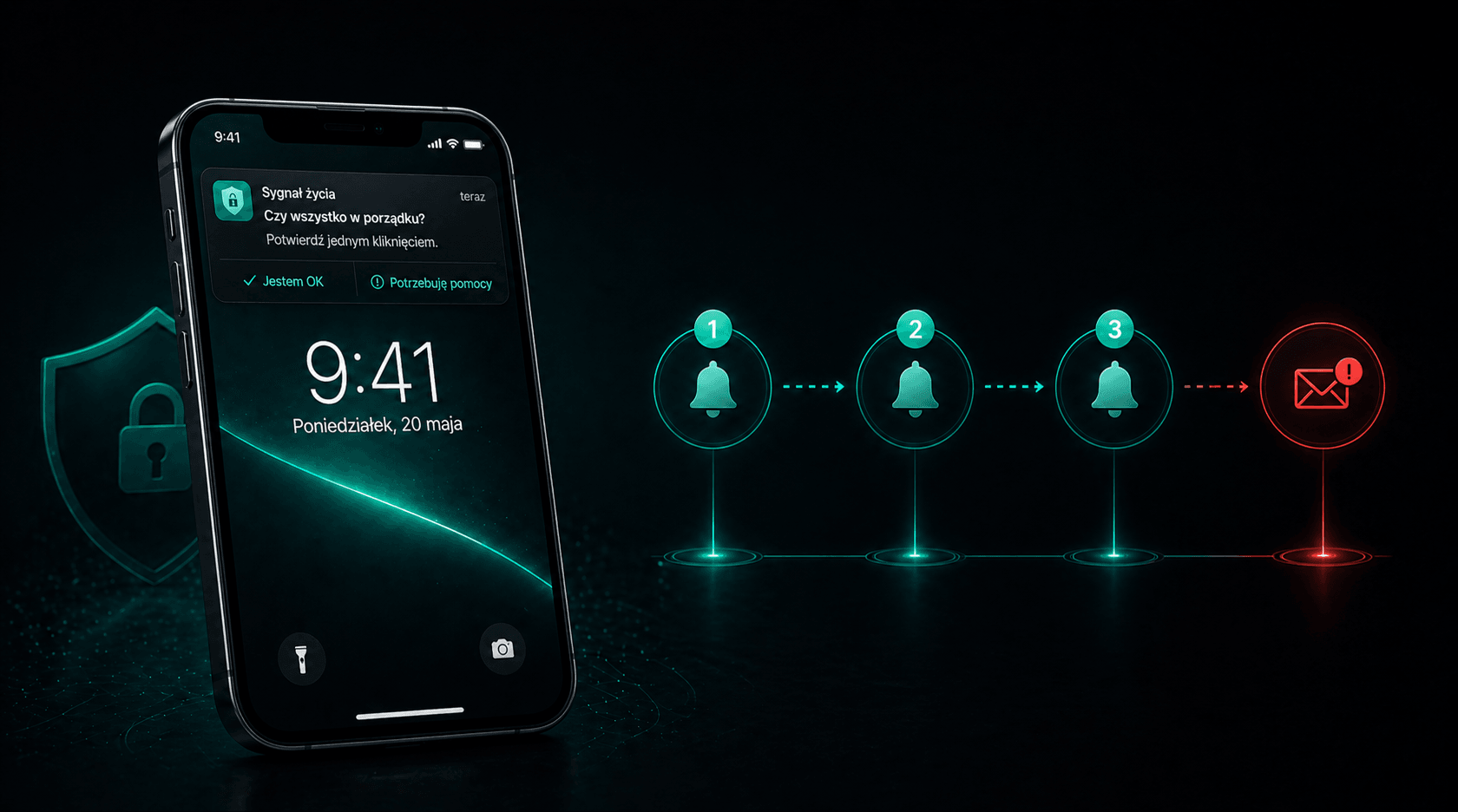
Emergency protocol – notifying friends
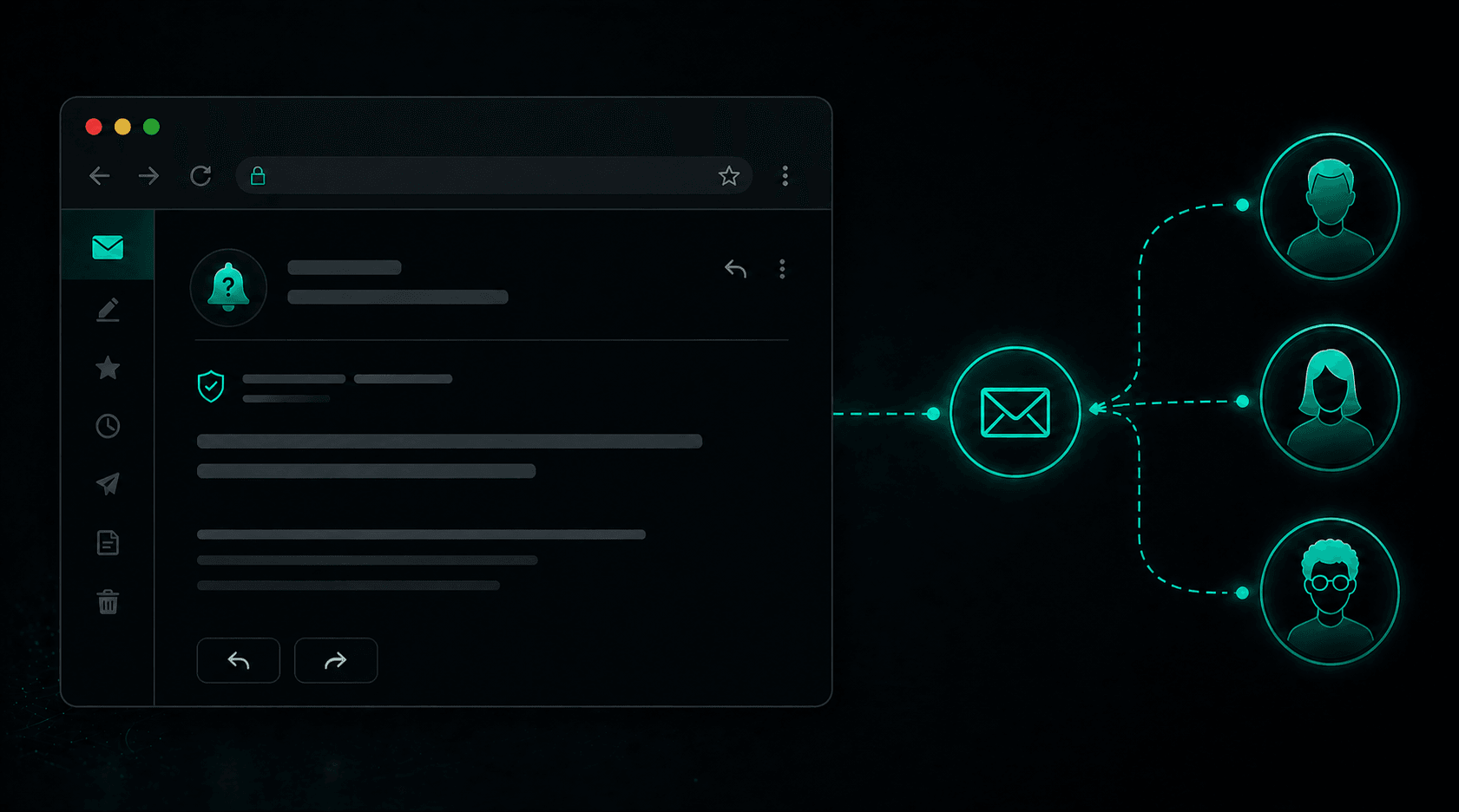
When the user does not respond to three consecutive push notifications, the system automatically sends an email to trusted friends previously added in the app. The message asks them to get in touch and check whether the person is doing well. This is the first line of verification – before the data handover procedure is triggered.
Handing over data to a trusted person
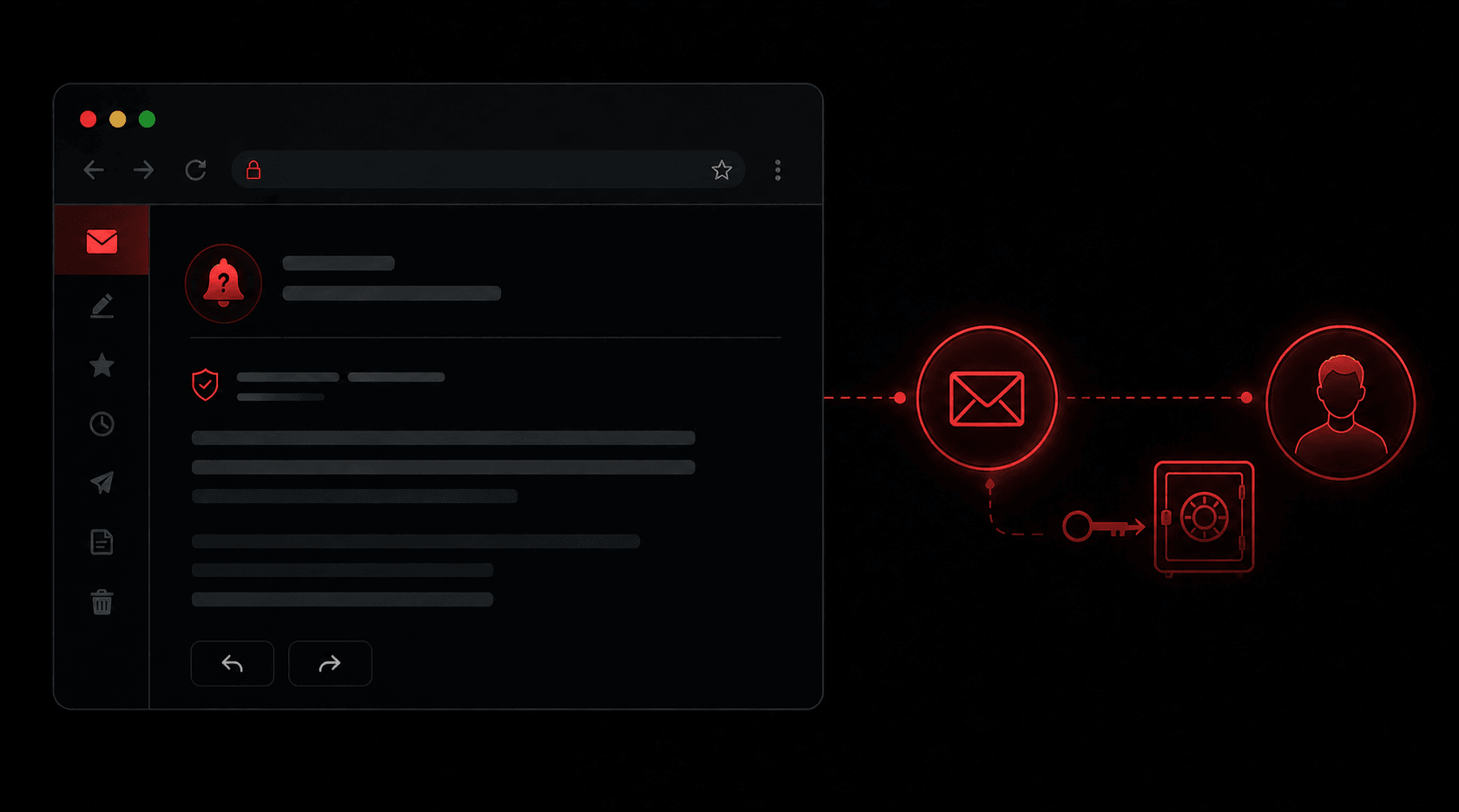
If contact with friends yields no result, or if the user previously configured the app this way, the system sends an email to a designated trusted person – typically a family member. The message informs them that an encrypted note meant for them exists in the app, along with instructions on how to regain access. In this way, the data reaches exactly where it was meant to go – without intermediaries, without delays.
iCloud and Google Drive integration
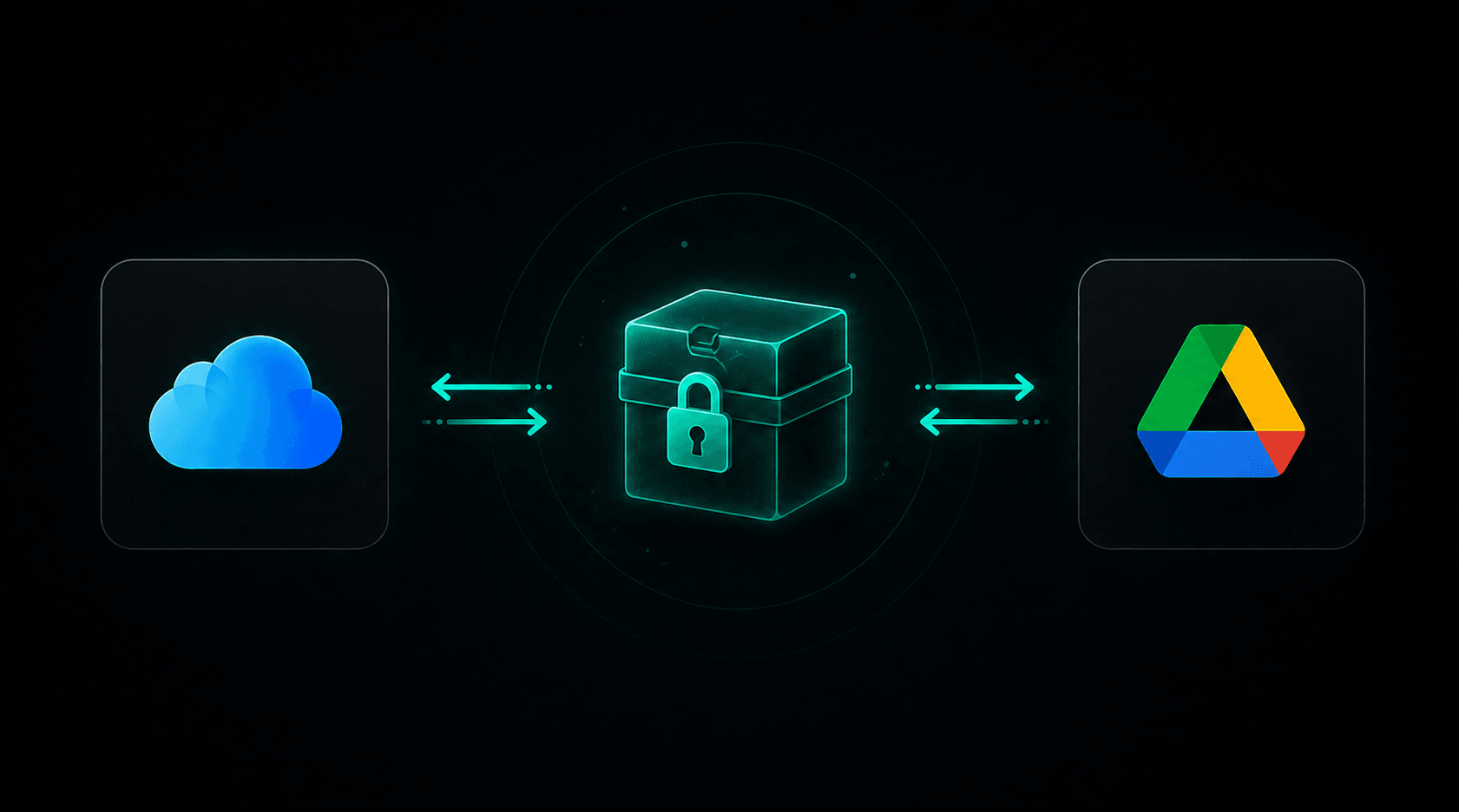
Encrypted data is synchronised with the cloud appropriate for each ecosystem – iCloud for Apple users, Google Drive for Android. The user does not need to think about backups or managing copies. I implemented both integrations from scratch, accounting for the specifics of each platform and ensuring a consistent experience regardless of the operating system.
Implementing screens from Figma
I translated the entire visual layer from the Figma design into working screens in React Native – pixel by pixel, with full responsiveness and consistency across iOS and Android. I made sure the app looks and feels like a premium product, because trust in a tool like this is also built through the interface.
What was delivered
The app combines three things that rarely go together: the highest level of data security, an intuitive interface and an automatic emergency protocol that works without any human involvement.
- A working app on iOS and Android from a single React Native codebase
- End-to-end encryption based on a two-component key (user password + server hash)
- Native integration with iCloud and Google Drive
- Automatic emergency protocol: push → email to friends → email to trusted person
- Full implementation of screens from the Figma design
- Backend communication via REST API
Technologies
- React Native
- TypeScript
- iCloud API
- Google Drive API
- REST API
- Push Notifications (FCM / APNs)
- End-to-End Encryption
- Figma